

The 14 Best Monitors for Working From Home – Are you looking for the best monitor for your home office? In this post, I will share the best monitors for your work-from-home setup.
While purchasing a monitor, you have to check all important things like the performance of the monitor, fast connectivity, quality of the display, compatibility with another device easily, and many more things.
In this post, I shared the best monitor that is perfect for working from home. You can choose according to your requirements.
I chose the top 14 monitors in the market that you can choose for your setup. All these monitors have good picture quality with multiple connectivity options.
You can choose one that meets all your requirements as a working monitor. Before making a purchase decision, you need to check some important points that make a perfect monitor.
I will explain every small detail of the monitor with pros and cons and which is good for different scenarios, so read this post completely to get all the information about the perfect monitor for your work-from-home setup
The 14 Best Monitors for Working From Home
These are the 14 Monitors that you can choose for Working From Home –
1. LG 27UL850-W

Overview
This is the best monitor for the home office setup. The monitor is perfect for any type of work, so you can choose this monitor for your working setup.
The LG 27UL850-W comes with a 27-inch HDR 4K display with USB Type-C connectivity and a strongly built body. The monitor offers a curved
Build and Design
The monitor is built from plastic with a strong plastic finish on the back. The bezels are very thin and look aggressive while watching on the display.
The monitor comes with a curved stand so you can adjust the height of the monitor, and you can easily change the viewing angle of the monitor to any position. The weight of this monitor is 13.5 pounds, and the dimensions are 1.75 x 24.14 x 14.35 inches.
Display Quality
The LG 27UL850-W offers a 27-inch 4K HDR Display with a resolution of 3840 x 2160 Pixels. The picture quality is awesome with amazing picture quality with sharp details due to t the HDR capabilities.
The monitor is great for video editing and graphic design because the color accuracy is so nice with immersive picture quality.
The blacks are perfect, but the HDR brightness is a little weak. I think this is not a big problem because it’s not a gaming monitor, so you don’t need a high HDR brightness for gaming.
Performance
The monitor is great for any type of work without any problem; this is the best monitor that you can choose for your working setup.
It has a 60Hz refresh rate that is perfect for productivity and office work. The monitor comes with a USB Type – C port for faster data transfer, and you can easily connect Mac devices.
Overall, the monitor is perfect for your work-from-home setup.
Connectivity
The monitor comes with all ports, including USB Type-C connectivity.
Pros
4K, HDR, USB Type C Port, Adjustable stand, Nice design and build.
Cons
Low HDR brightness, 60Hz refresh rate.
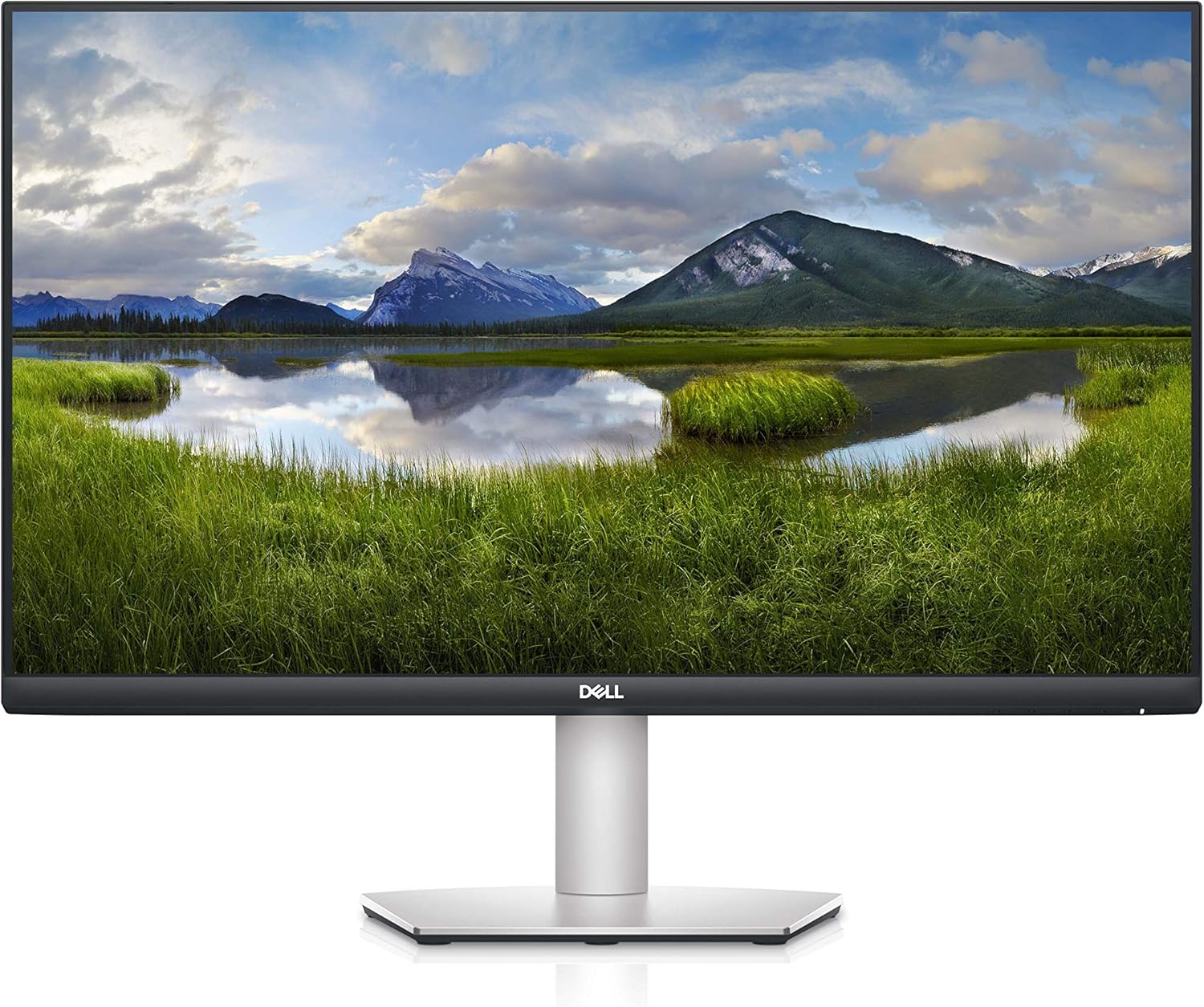
2. Dell S2721QS
Overview
This is the LG 27UL850-W that offers a 27-inch 4K display with a nice-looking, simple design. The bezels are super thin and look very nice.
The monitor comes with a small stand that you can adjust the height to a comfortable position, and you can tilt the display to a comfortable viewing angle.
The bad thing is that the monitor doesn’t provide a USB Type-C port.
Build and Design
The design of this monitor is very simple with fewer bezels that look immersive. The monitor is built from plastic with a nice finish on the back.
The monitor offers a small stand that perfectly fits on your desk without taking extra space in your setup. You can adjust the height of the monitor to a comfortable position
also you can change the direction of the display to your favorite viewing angle. The weight of this monitor is 14.1 pounds, and the dimensions are 24.08 x 6.88 x 20.08 inches.
Display Quality
The LG 27UL850-W comes with a 27-inch 4K UHD HDR Display with a resolution of 3840 x 2160 pixels. The picture quality is great with sharp images.
The picture quality is clearer and more accurate with decent color accuracy. The monitor doesn’t have good brightness if you watch HDR content, and the overall picture quality is great.
Performance
The monitor comes with a 60Hz refresh rate that is not very good, but it’s ok for office work. If you are looking for a 4K display with a nice design, then this is perfect for you.
The monitor doesn’t have a USB Type-C port for faster connectivity. Performance-wise, there is no problem with the content outputs looking fine and perfect for normal multitasking and productivity.
Connectivity
The monitor comes with a DisplayPort, HDMI, and audio port.
Pros
4K, HDR, USB Type-C, Adjustable stand.
Cons
Weak HDR brightness; build is not great. Low 60Hz refresh rate.
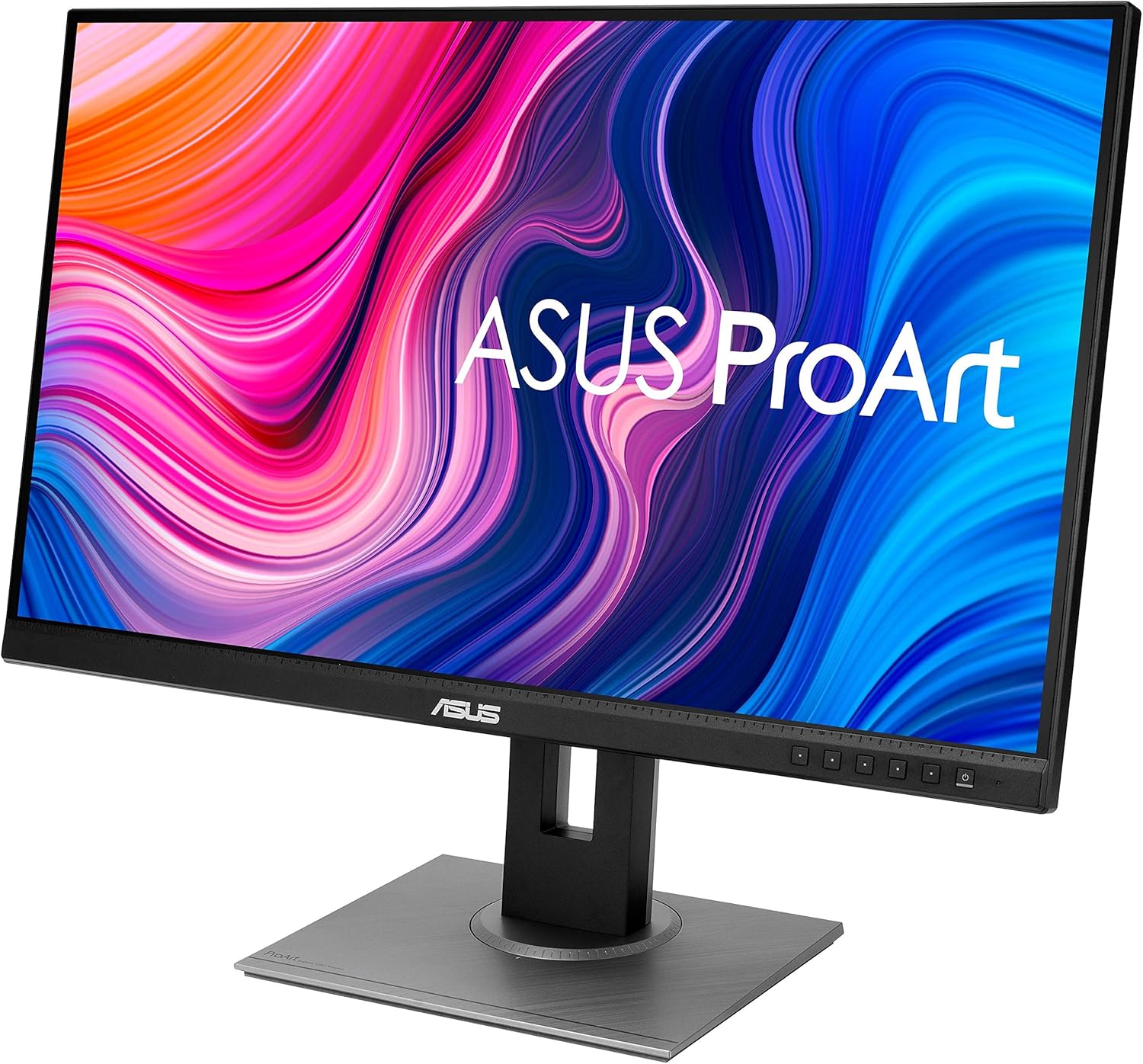
3. ASUS ProArt Display PA278QV
Overview
This is one of the best monitors for office work and multitasking; it completes all your needs. It has 27 inches 4K HDR IPS display with a resolution of 3840 x 2160 Pixels,
To increase productivity, the monitor offers many ports that help you to connect the monitor to different devices, and comes with a 60Hz refresh rate to enhance performance
and the display quality, but the refresh rate is too low if you compare the price tag to another monitor.
Build and Design
The ASUS ProArt Display PA279CV is built very well and looks great with minimal bezels on the side-by-side. The weight of this monitor is around 18.92 pounds,
and the dimensions are 24.17 x 20.61 x 8.97 inches. The monitor features a very nice, sleek design that looks premium. The monitor is adjustable so you can adjust it according to your favorite position. Monitors for Working From Home.
Display
The 24.17 x 20.61 x 8.97 inches monitor comes with ultimate picture quality. The monitor comes with 27 inches 4K HDR IPS display with a resolution of 3840 x 2160 pixels,
you can watch 4K content very easily. The color accuracy is very nice on this monitor, Good for editing and other multitasking work with crystal clear picture quality.
Performance
Performance is ok, not great at all, for office and multitasking purposes the monitor is ok, The price tag is a bit high and if you compare it with another monitor at this price range
you can get a better deal, there is a need to add more refresh rate in this monitor, 60Hz is normal but the price is not normal,
and one more thing the UCB Type C is only for power transfer. For a 4K display, 60Hz is not enough for immersive display quality.
Connectivity
The monitor has USB, DisplayPort, USB Type-C for power transfer, and HDMI.
Pros
4K Resolution with HDR and connectivity
Cons
The low Refresh rate and response time are not great, and pricing is high.
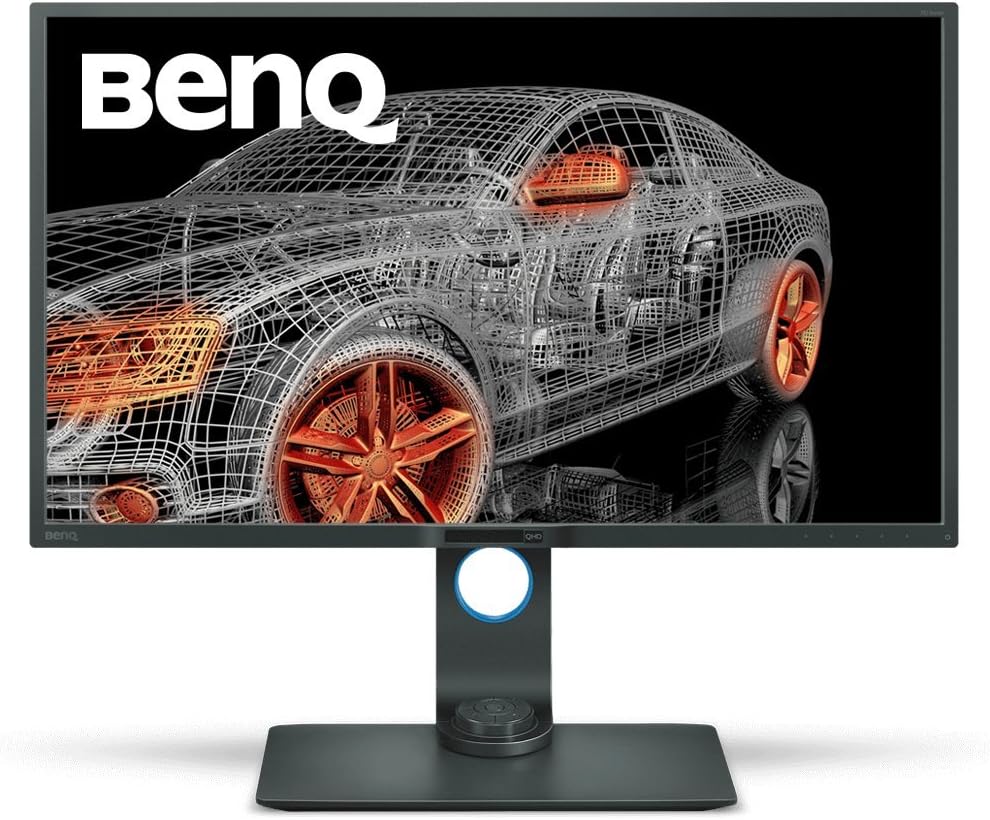
4. BenQ PD3200Q
Overview
This is the BenQ PD3200Q that comes with a 32-inch QHD display with USB Type-C ports. The design of this monitor is very simple and sleek
with minimum bezels that look very nice. The monitor comes with a very small stand, and you can adjust the viewing angle of the monitor by tilting and adjusting the height of the monitor.
Build and Design
The BenQ PD3200Q comes with 32 inches QHD Display with an immersive viewing experience. The monitor is built very strongly and fits perfectly,
The design of this monitor is very simple, with an adjustable stand that you can adjust the height and the position of the display to the best viewing angle.
The weight of this monitor is 27.6 pounds, and the dimensions are 8.4 x 29.1 x 19.2 inches.
Display Quality
The monitor comes with a 32-inch QHD Display with a resolution of 2560×1440 Pixels, and the picture quality is decent with all multitasking capabilities.
The monitor doesn’t have a high refresh rate or FreeSync or GSync technology to boost the visuals to the next level. The monitor doesn’t have HDR or sharp picture quality.
Performance
The monitor is very good for productivity, and there is no problem with the performance of this monitor. This is not a gaming monitor, so you can’t play games
on this monitor, but you can do all productivity work on this monitor without having any problem. The monitor comes with USB Type-C connectivity so you can connect your Apple devices very easily.
Connectivity
the monitor comes with DVI-DLx1, HDMI (v1.4)x1, DisplayPort (v1.2) x1, MiniDisplayPort (ver1.2)x1, USB 3.0 Hub USB Downstream x 4, USB 3.0 Hub USB Upstream x 1.
Pros
32-inch QHD, Connectivity, Performance, Adjustable stand.
Cons
No HDR, Low refresh rate, no FreeSync/G-Sync.
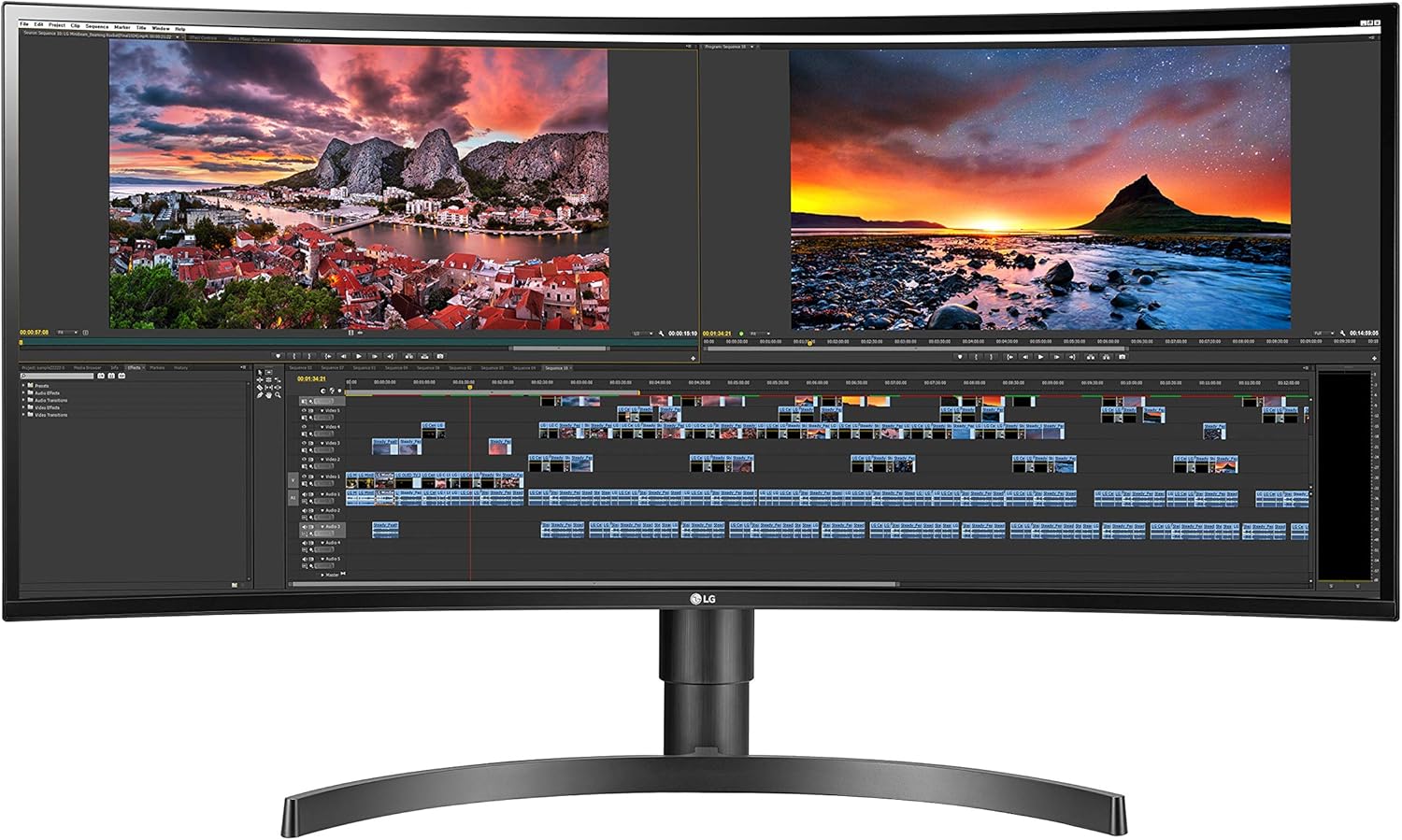
5. LG 34WN80C-B
Overview
This is a great monitor for productivity and multitasking. The LG 34WN80C-B comes with a 34-inch ultrawide curved display with immersive color outputs and HDR 10 support.
The bezels of this monitor are very thin and look great with an ultrawide design. You can adjust the height, and you can also adjust the position of the monitor.
Build and Design
The monitor is built from dense plastic with a nice curved finish on the back. The stand looks great with a curved design and
perfectly fits on any desk without taking up much space in your setup. You can adjust the height of the monitor to your favorite viewing angle,
and also you can adjust the monitor viewing angle by tilting the monitor to a comfortable position.
Display Quality
The LG 34WN80C-B comes with a 34-inch ultrawide curved QHD HDR Display with a resolution of 3440 X 1440 pixels,
The colors are very accurate and sharp with more details. This is great for editing videos or graphic design. If you are looking for a great display quality curved working monitor.
Performance
The monitor works great. The monitor perfectly handles heavy work with smooth visuals, not lagging or any issues.
This is not a gaming monitor, so you can’t play heavy games, and you will not get that level of performance. It’s a very nice monitor
with all productivity features like USB Type-C ports for better connectivity.
Connectivity
The monitor comes with DisplayPort, HDMI, USB Type C, and an audio port.
Pros
Ultrawide curved HDR display, Accurate Colors, Nice build and design, USB Type-C, Adjustable Stand.
Cons
Low refresh rate, Weak Horizontal and vertical viewing quality, and low contrast with HDR brightness.
6. Acer R240HY bidx
Overview
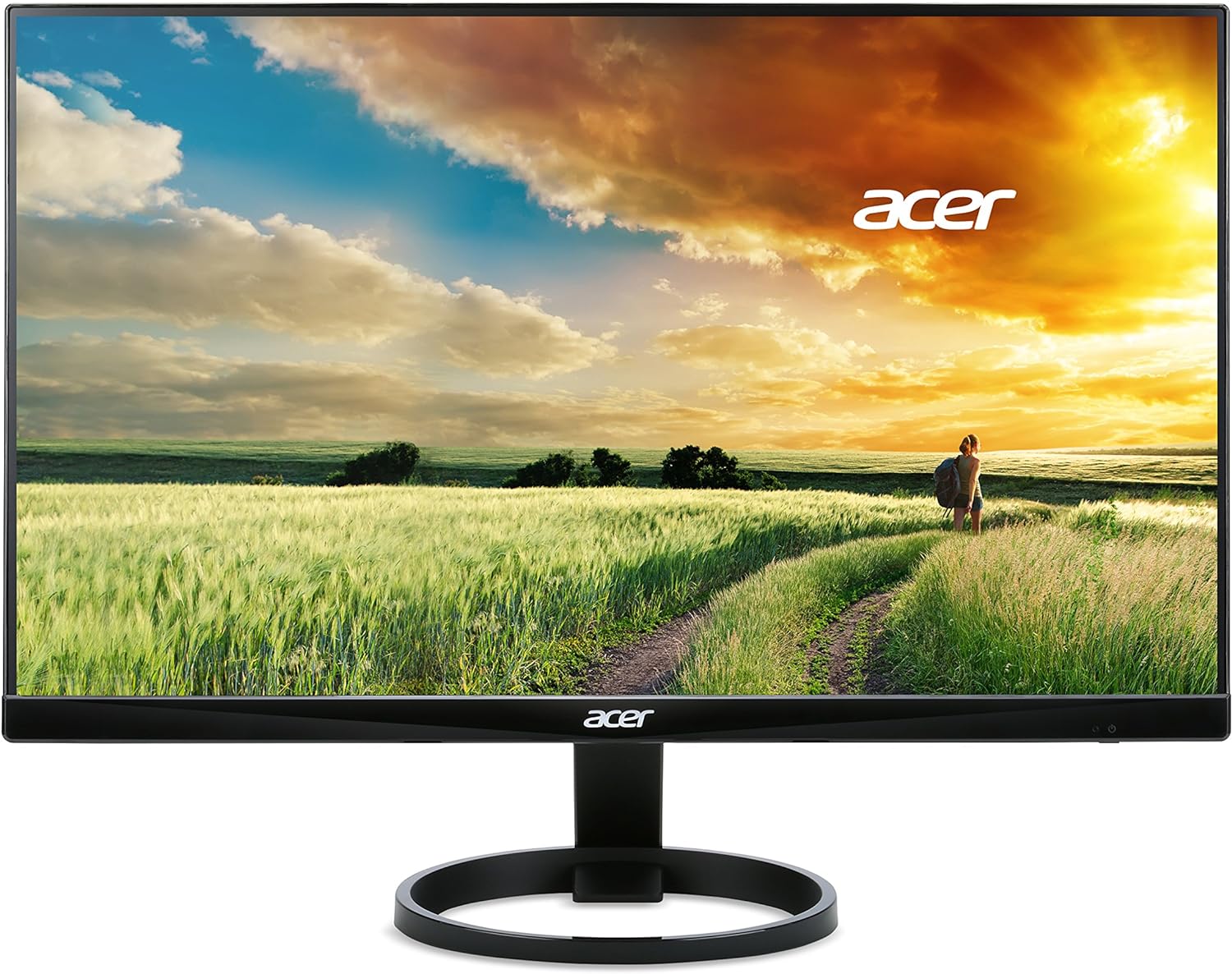
This is the Acer R240HY bidx that comes with a 23.8-inch Full HD IPS monitor with a very thin bezel that looks very nice,
The monitor offers a 60Hz refresh rate that is enough for multitasking and productivity; the design of this monitor is very nice,
The thin bezels on the 3 sides of the display give you the perfect look of the content.
Build and Design
The monitor is built with plastic that fits very strongly in every area of the monitor; it is very thin, and the monitor offers a very compact stand
that perfectly fits on your desk without taking up so much space; also, you can adjust the height and the position of the monitor by adjusting the stand very easily.
The weight of this monitor is 6.4 pounds, and the dimensions are 21.3 x 7.3 x 16 inches.
Display Quality
The Acer R240HY bidx comes with a 23.8-inch Full HD IPS display with a resolution of 1920 x 1080 pixels. The monitor has aggressive thin bezels that are very nice. ‘
The brightness of the display is optimized, and the picture quality is very good on this monitor. Due to its small screen size, the colors are vibrant, and the overall picture quality is very smooth.
Performance
The monitor comes with a 60Hz refresh rate that works perfectly; you will get super-responsive frames in this monitor,
but this is not great for heavy gaming on this monitor; it’s not a gaming monitor and doesn’t have the FreeSync or GSync features
for enhancing the gameplay. It’s great for multitasking and productivity.
Connectivity
The monitor comes with VGA, DVI, HDMI, and an audio port.
Pros
60Hz refresh rate, Tilt, Frameless design, and built-in quality.
Cons
Connectivity, Height Adjustability, No HDR.
7. ASUS Designo MX27UC

Overview
This is the ASUS Designo MX27UC, which offers an 27 inches 4K UHD Display with a 50Hz refresh rate and supports adaptive sync technology to give you super-smooth visuals,
If you are searching for a 27-inch 4K monitor, then this is the right monitor. The design of this monitor is super catchy with its bezel-less design looking immersive.
Build and Design
The design of this monitor is very nice, with the frameless design, the monitor looks pretty nice. The build quality is also very good, with strong fitting and nice finishing on the back,
The monitor comes with a non-adjustable stand, so you can’t fully adjust the height of the monitor or position the monitor to your favorite position.
The weight of this monitor is 12.17 pounds, and the dimensions are 27.6 x 4.8 x 21.2 inches.
Display Quality
The ASUS MX27UC comes with a 27-inch 4K UHD display with no HDR support. The resolution of the display is 3840 x 2160 Pixels.
There is no problem with the quality of the display. The 4K display gives you the power to use 4K content on this monitor without any problem. With USB Type-C, Monitors for Working From Home.
You can increase your productivity by transferring 4K videos very fast.
Performance
The monitor is an office monitor that you can work on; it has a 50Hz refresh rate that is not great for better visuals, but if you are using this monitor for productivity
and multitasking, then it’s fine, and there is no problem with the speed. The best part is that the monitor offers Adaptive-Sync technology to boost the picture quality.
Connectivity
The monitor comes with HDMI(v2.0), DisplayPort 1.2, DisplayPort over USB-C, PC Audio Input: 3.5mm Mini-Jack, USB Port(s): 3.1×1, with Superspeed USB Charging.
Pros
4K UHD Display, Adaptive Sync, Frameless design.
Cons
No HDR, Low 50Hz refresh rate, Non-adjustable stand, Low contrast.
8. Philips 322E1C
Overview
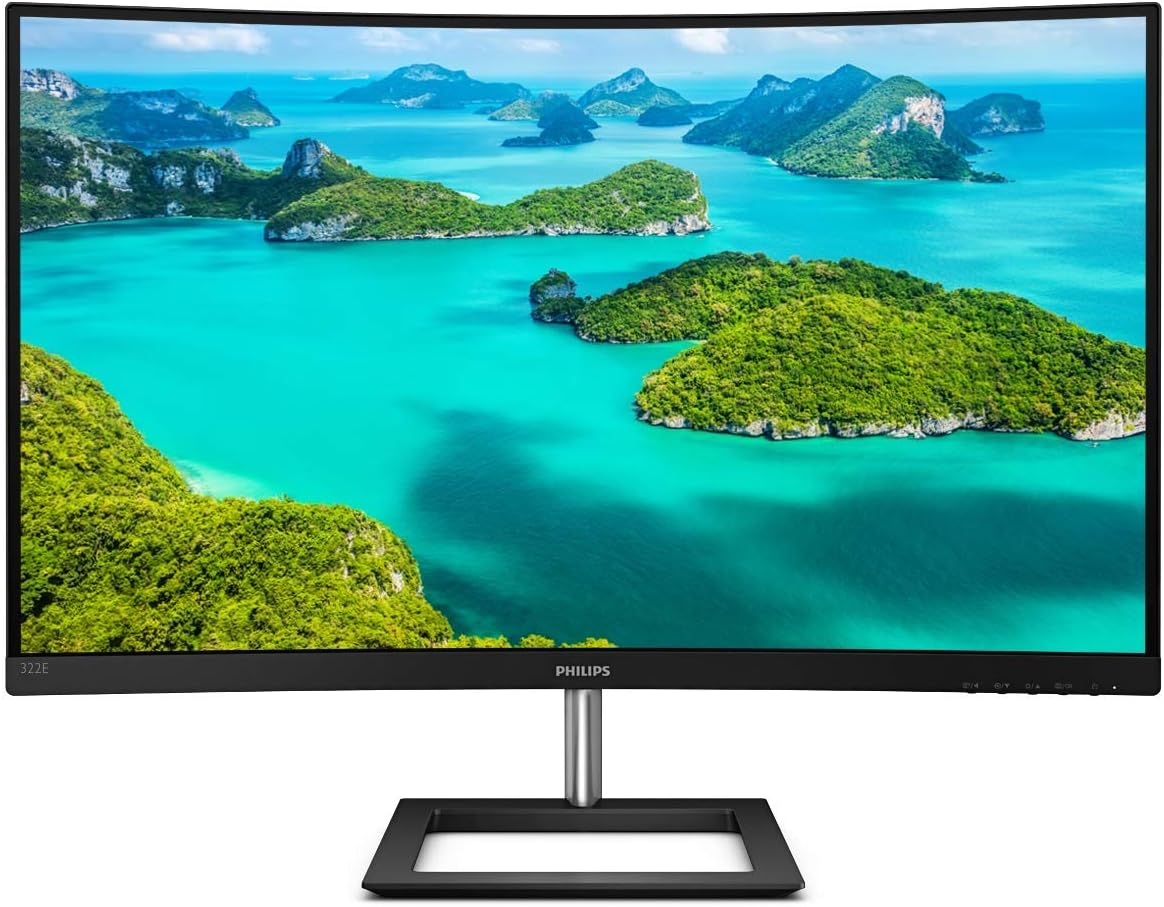
This is the last monitor on this list. The Philips 322E1C comes with 32 inches Curved FHD display with a 75Hz refresh rate. Adaptive-Sync technology gives
you super fine visuals. The design of this monitor looks great with thin bezels. The build quality of this monitor is very strong;
the monitor comes with a square-shaped stand that looks great, but you can’t adjust the monitor to a comfortable position.
Build and Design
The monitor is made from a plastic body with a curved design. The monitor looks great. The bezels are very slim and look immersive.
The monitor comes with a non-Adjustable stand, which is a bad thing about this monitor. The weight of this monitor is 18.66 pounds, and the dimensions are 27.9 x 20.6 x 11.1 inches.
Display Quality
The Philips 322E1C comes with a 32 inches Curved FHD Display with a resolution of 1920 x 1080 Pixels. The display quality is good but not great, as with the other monitor that I listed above. The resolution is low if you compare it to another monitor. The monitor doesn’t have a high refresh rate to boost the visuals.
Performance
The monitor is perfect for office work, and you can use it for any type of work. The monitor gives you super-smooth visuals with a nice design.
This is not a gaming monitor, so you can’t enjoy games on this monitor. The monitor has a 75Hz high refresh rate and Adaptive-Sync Support.
Connectivity
The monitor comes with VGA, DisplayPort, HDMI, and Audio ports.
Pros
Curved display, Bezel-less design, USB Type-C port, 75Hz Refresh rate, Adaptive Sync.
Cons
No HDR, Low Resolution, non-adjustable stand.
9. LG 32UN880-B

Overview
This is the LG 32UN880-B that comes with 32 inches 4K UHD HDR display with USB Type-C connectivity and an adjustable stand,
This is a perfect monitor for your work. The design of this monitor is impressive, with a fully adjustable stand that you can rotate to your favorite position, and the 4K display looks very nice with vibrant colors.
Build and Design
The design of the LG 32UN880-B is pretty nice with a unique stand position. The monitor is built from plastic with a strong fit on the body,
The monitor looks premium with the thin bezels and the nice stand on the back. You can adjust the position of the monitor to a comfortable position.
The weight of this monitor is 22.7 pounds, and the dimensions are 28.1 x 16 x 25.2 inches.
Display Quality
The LG 32UN880-B comes with a 32-inch 4K UHD HDR IPS Display with a resolution of 3840 x 2160 Pixels. The display quality is great with super clear visuals and accurate colors.
This is great for working. You can use this monitor for a long time without any problem; due to its 4K resolution, the display looks immersive.
Performance
The monitor is working fine with heavy productivity work. This is not a gaming monitor, so you can expect more performance like a gaming monitor,
but you can work on this monitor very smoothly without any problem. The monitor gives you super-responsive performance with a 4K HDR display.
Connectivity
The monitor comes with USB Type-C connectivity.
Pros
HDR 10, 4K Display, Adjustable, USB Type C.
Cons
Connectivity, Low refresh rate.
10. SAMSUNG LC34J791WTNXZA

Overview
This is another great productivity monitor that you can choose. The SAMSUNG LC34J791WTNXZA comes with 34 inches curved QHD display and a 100Hz refresh rate,
If you want gaming and productivity in one place, then this monitor is only for you. The monitor provides excellent build and design with thin bezels that look amazing,
a 100Hz refresh rate, and FreeSync support for decent gaming.
Build and Design
The design of this monitor is super nice with a metal finishing design, The stand is very small and fits on every desk without taking up much space but the stand is not fully adjustable
so you can’t adjust the height and the position of the monitor to the desired angle, The weight of this monitor is 22 pounds and the dimensions are 31.83 x 20.3 x 12.2 inches,
Overall, the build and design are good, with a nice finishing touch to grab your eyes very easily.
Display Quality
The SAMSUNG LC34J791WTNXZA offers a 34-inch ultrawide curved QHD display with a resolution of 3440×1440 Pixels,
The picture quality is very good if you are watching the content from the front. Vertical and horizontal angles are a little weak quality missing colors and lacking clarity,
The contrast and brightness of this monitor are not balanced. This is not a perfect gaming monitor, but the visuals are great with the FreeSync capabilities.
Performance
The monitor comes with a 100Hz refresh rate, which is great for a productivity monitor. Samsung advertises this monitor as a gaming monitor, but it’s not a full gaming beast,
You can play games on this monitor without having any big issues, because the monitor offers FreeSync support and a 100Hz refresh rate; both are good for normal gameplay.
The monitor is perfect for productivity and multitasking, and if you are using a Mac device, then you can easily connect multiple devices to the monitor with Thunderbolt/USB Type-C connectivity.
Connectivity
The monitor comes with USB Type C, HDMI, Thunderbolt 3, USB Hub, and audio output.
Pros
100Hz refresh rate, Ultrawide QHD Display, Thunderbolt/Type C Ports, FreeSync, Nice design.
Cons
No HDR, Non-Adjustable stand, Lacks Horizontal and vertical viewing angles.
11. LG 27UN850-W
Overview
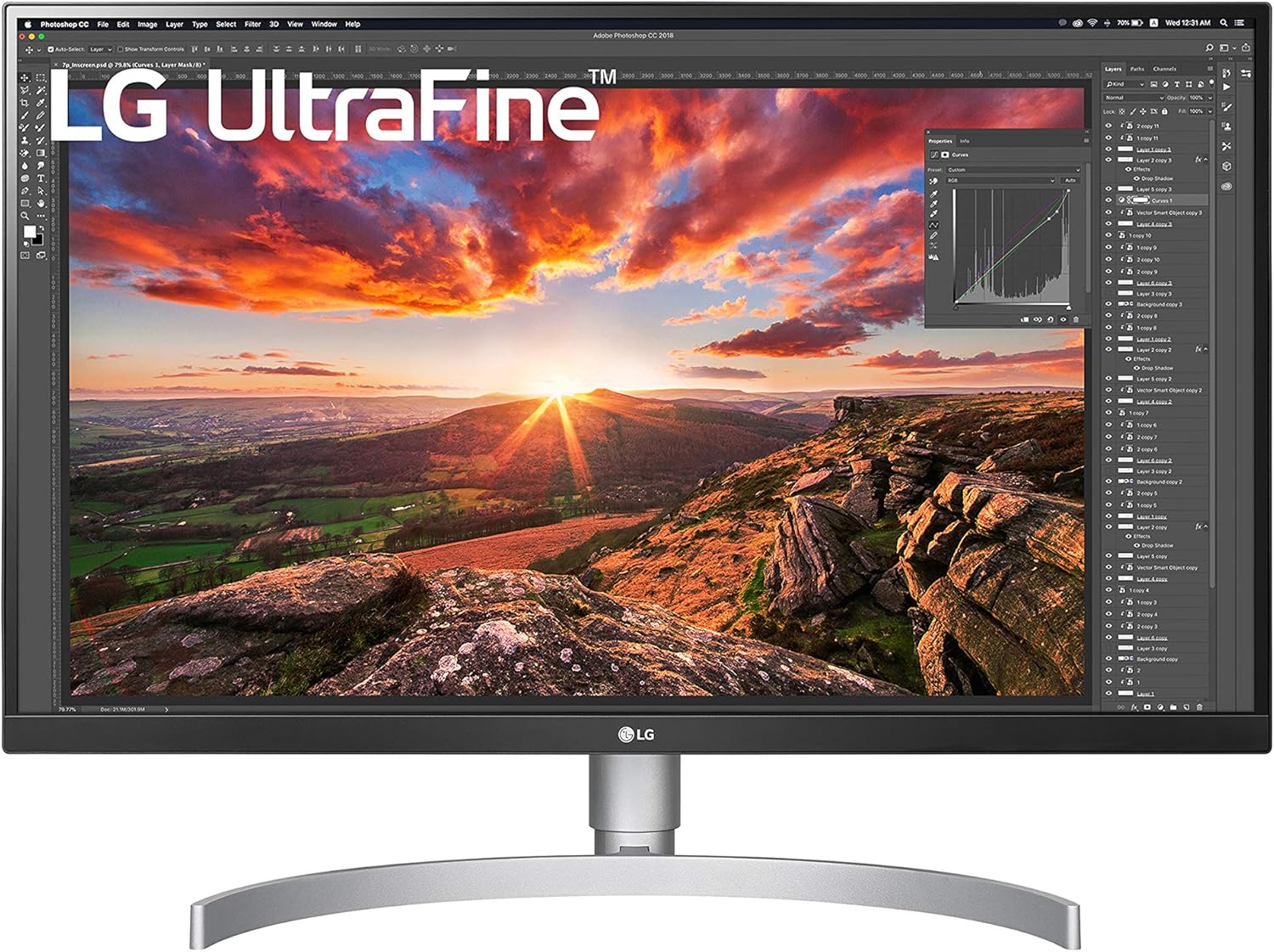
This is the LG 27UN850-W that comes with a 27-inch 4K UHD display with USB Type-C connectivity. The monitor is very good for productivity, and the colors are very accurate.
The design of the monitor is very nice, and the side bezels are very thin, which look premium with an adjustable curved stand.
Build and Design
The monitor has a well-designed premium-looking body, The finishing of the monitor is very nice and sleek, The curved stands look great and perfectly fit on your desk,
but the stand covers more space so you need to check this point, the stand is adjustable and you can adjust the height of the monitor but you can’t move left-right,
the monitor is lightweight and you can easily move the monitor. The weight of this monitor is 13.50 lbs, and the dimensions are 24.1 x 9.2 x 17.7 inches.
Display Quality
The big advantage of this monitor is the 4K resolution. The LG 27UN850-W comes with a 27-inch 4K HDR IPS display with a resolution of 3840 x 2160 Pixels,
The monitor offers an HDR 400-capable display with an sRGB 99% Color Gamut that delivers accurate colors with perfect blacks,
the contrast and brightness are good and give you optimized visuals. The monitor has great 4K performance with crystal clear content outputs.
Performance
The LG 27UN850-W comes with a 60Hz refresh rate with a great response rate that enhances the 4K resolution viewing experience,
The monitor performs great with a 60Hz refresh rate; the monitor is not a gaming monitor, so you can’t play heavy games on this monitor. This is a productivity monitor with great resolution and USB Type-C connectivity.
This is good for productivity and multitasking and great for video editing with amazing colors.
Connectivity
The monitor comes with all connectivity options, including USB Type-C ports.
Pros
4K UHD resolution, HDR 400, USB Type-C Ports, Adjustable.
Cons
Weak 60Hz refresh rate, slow response time, Stand covers more space, and you can’t move left-right.
12. BenQ EW2780U

Overview
This is another great monitor with all the specs that you want as a productivity monitor for your Mac mini. The BenQ EW2780U is the best option for you,
The monitor comes with a 27-inch 4K display with a great viewing experience and connectivity. This is a very good option if you are looking for a smooth-performing monitor.
Build and Design
The monitor looks unique withstand. The body of this monitor is made from strong plastic, and that’s why this monitor looks very premium,
The design of the stand is very unique and perfectly fits on any desk without taking up much space. The weight of this monitor is 6.70 lbs, and the dimensions are 28.5 x 18 x 6 inches.
Display Quality
The BenQ EW2780U comes with a 27-inch 4K UHD HDR display with a resolution of 3840 x 2160 pixels. The display is very bright,
and the contrast and the HDR brightness are good, and you can play HDR content on this monitor easily with great picture quality; the color is so vibrant and accurate.
Performance
The monitor performs well, and the response time is very impressive because this is not a gaming monitor. The monitor comes with a decent 60Hz refresh rate
but feels very smooth while using the monitor for multitasking and other work. The monitor is very good with all its features.
Connectivity
The monitor comes with DisplayPort, USB Type-C, HDMI, and audio ports.
Pros
4K display, HDR, Smooth, Vibrant colors, USB Type-C
Cons
docent 60Hz refresh rate, not adjustable.
13. Dell U4320Q
Overview
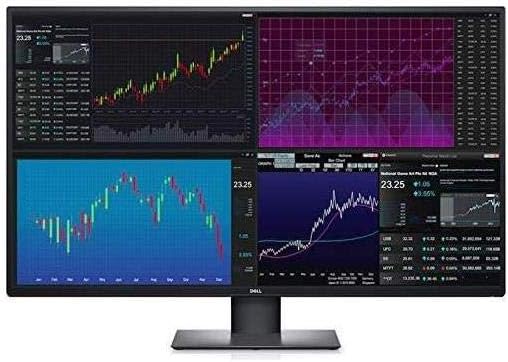
This is the last monitor on this list. The Dell U4320Q comes with a big 43-inch 4K UHD display with highly productivity-focused features that make this monitor perfect for your Mac Mini,
The monitor comes with a very thin bezel and a square stand that is very small and fits on every desk; the monitor is very simple and looks like an office monitor.
Build and Design
The monitor is a very simple design with thick bezels, looks like a perfect monitor for office work, The stand of this monitor is squared shape and
very small and easily fits on every desk without taking up much space in your setup, The body of this monitor is built with strong plastic and the weight of this monitor is 38.8 pounds and the dimensions are 30.08 x 9.8 x 29.1 inches.
Display Quality
The monitor comes with a 43-inch 4K UHD display with a resolution of 3840 x 2160 pixels, and the visuals are ok not so great,
Due to the big screen size, the display is not producing great colors, but the 4K resolution looks great even though it doesn’t have better color outputs.
Performance
The monitor is quite fast and perfect for multitasking and productivity; the monitor performs very well, and the response time is also impressive.
With a 43-inch display, the monitor looks great with multitasking and productivity features.
Pros
43-inch big display, 4K resolution, Connectivity.
Cons
No HDR, not great colors, not fully adjustable.
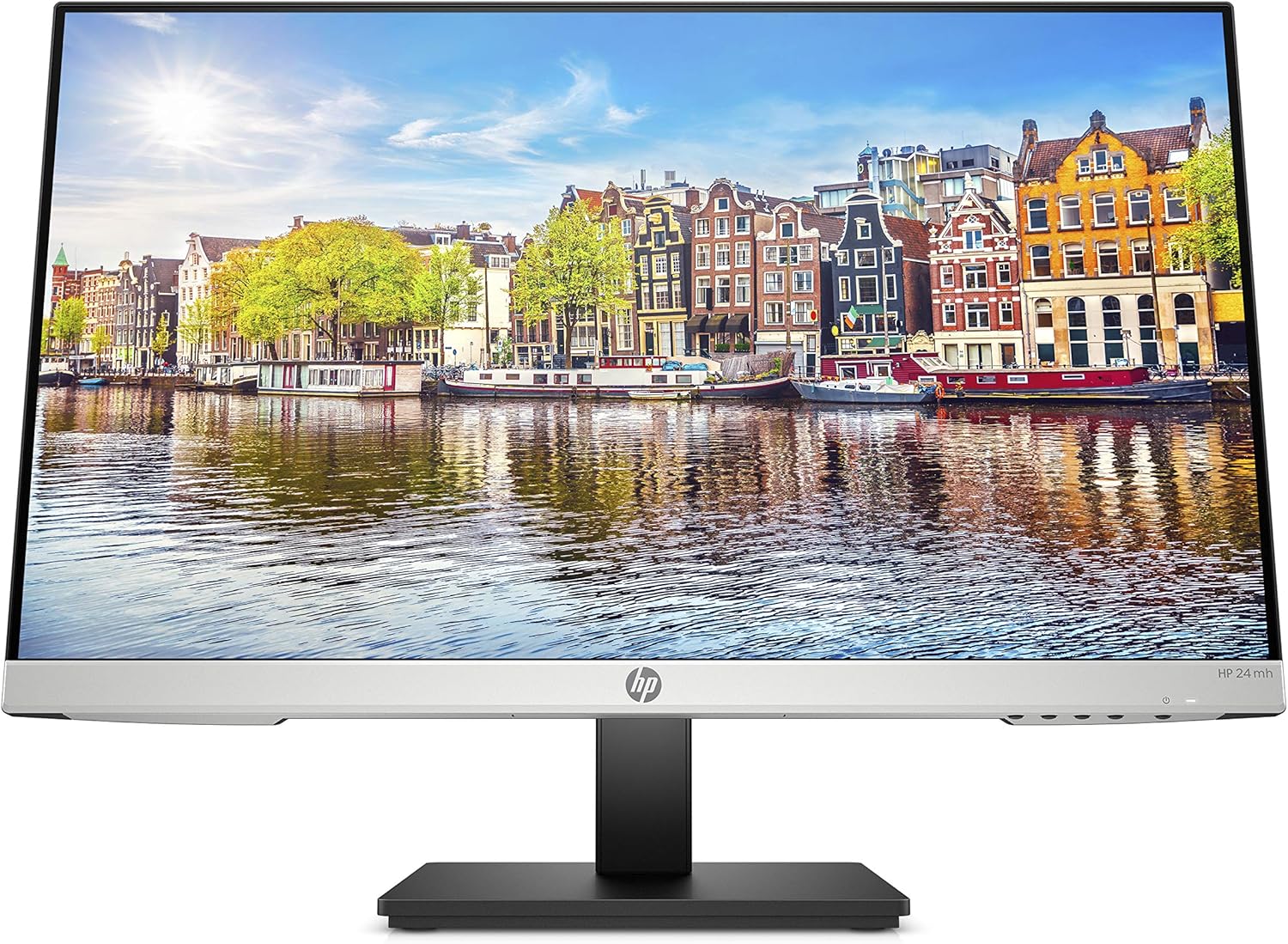
14. HP 1D0J9AA#ABA
Overview
This is another great monitor from HP. The HP 1D0J9AA#ABA offers a 23.8-inch Full HD display with a 75Hz refresh rate, and
it has a rectangular-shaped stand that perfectly fits any desk size without taking up much space because the stand is very small. The monitor looks very nice with 3 sides extremely frameless design.
Build and Design
The monitor is built from plastic with decent finishing on the back. The bezels of the monitor are very thin on 3 sides; also, it has a fully adjustable stand
so you can easily change the viewing angle of the display to the best position. Overall build quality is Ok not very strong,
The weight of this monitor is 9.94 pounds, and the dimensions are 23.54 x 8.33 x 18.28 inches.
Display Quality
The HP 1D0J9AA#ABA comes with a 23.8-inch Full HD Display with a resolution of 1920 x 1080 Pixels. The picture quality is awesome,
Very smooth visuals with sharp details and lower latency. Due to the 75Hz refresh rate, the display performance is great with nice colors and more responsive visuals.
Performance
The monitor comes with a 75Hz refresh rate that is decent for playing extreme games on this monitor; the refresh rate is working fine with clear and smooth details.
The monitor doesn’t have FreeSync or G-Sync technology to enhance overall performance. But this is very good for multitasking and office work,
you can do everything without any problem.
Connectivity
The monitor comes with VGA, DisplayPort, HDMI, and audio ports.
Pros
75Hz Refresh rate, Thin bezels, Adjustable stand, Lightweight.
Cons
Decent Built Quality, No HDR, No FreeSync/G-Sync.
- The 4 Best 4K 120Hz Monitor for Gaming
- The 5 Best Monitor for Mac Mini M4/M5
- The 7 Best 75Hz Monitor for Gaming and Work
- The 4 Best AM5 Motherboard for 7800X3D or 7950X3D
- AI in E-Commerce: How Small Businesses Can Compete with Giants
FAQ’s
Is an ultrawide monitor good for home offices?
it depends on your requirements. Most of the ultrawide offers a nice viewing angle, but curved monitors don’t have good color accuracy. If you are editing on an ultrawide monitor, then you can see a lack of color accuracy and overall picture quality. For editing, a 4K HDR display monitor is perfect for you.
Why USB Type C port is very important for maximum productivity?
Because you can connect your MacBook or transfer files very fast. You can build an ecosystem of your gadgets via Apple products in your setup. That’s why USB Type-C ports are very important.
Which screen size is perfect for work from a home setup?
It totally depends on your choice. If you have very small space in your setup, then a small screen size might be a good choice for you; on the other hand, 27 inches has many options in the market, so you can choose which one you like or is best for your setup.
Does the latest monitor work on my old accessories or my setup?
Yes, most of the monitor provides a good amount of connectivity options, so there is no problem with connectivity with any accessories you have. All monitors are compatible with most of the OS, Systems you can easily connect the monitor to any accessories you want.
Conclusion
These are the best monitors for your working-from-home setup. You can choose a monitor that completes all your requirements for your setup,
These monitors are perfect for multitasking and office work. You can do everything on these monitors without any problem.
Good display quality and multiple connectivity options are great for any work-from-home setup. This helps to boost your productivity to the next level.
I hope you like these products. If you like this post, then share it with your friends and follow our social media handles to get the latest post information, and also subscribe to our newsletters to get notified when a new post is out from Techotn.

Tech-Enthusiast and Founder/Author of Techotn.com and also a passionate Pinterest Marketer at Sajalmanjhi.com. Follow me on X twitter.com/ManjhiSajal